


Outdoor Projects ›
Bedrooms ›
Kitchen ›
Living Room ›
Browse by Room
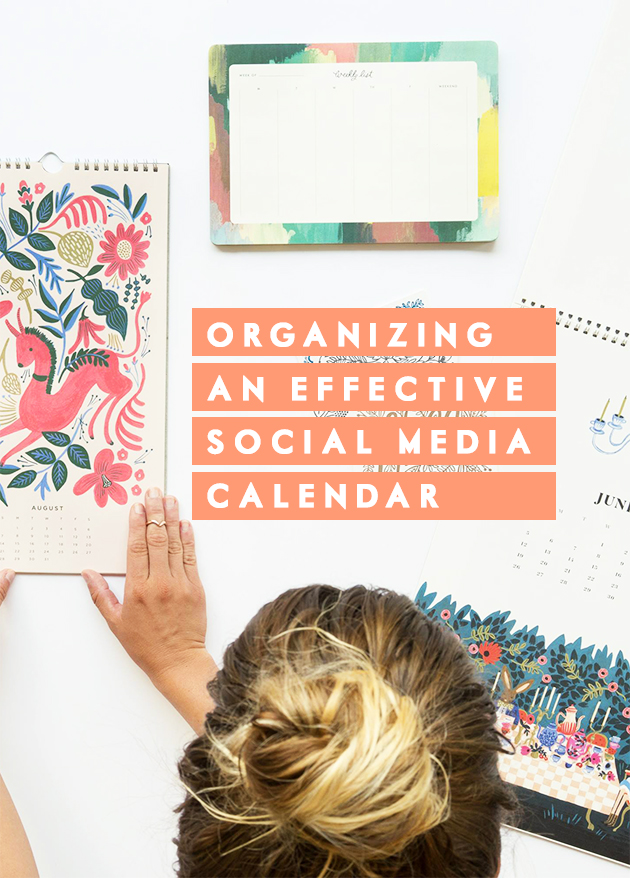
{Background image via Rifle Paper Co.} Melyssa of The Nectar Collective is back today! We thought it would be helpful to share how we stay organized in the online social media world. You could easily spend your days glued to a phone or computer, especially if social media is part of your blog or business. […]
Organizing an effective social media calendar
Current Projects ›
Other Updates ›
DIY Ideas ›
Renovation Updates
About Us
Shop
Design Guides
Family
Home diys
Renovations

Latest Projects ›
Popular Projects ›
How-tos ›
Home DIYs

Organizing an effective social media calendar
About Us
Shop
Design Guides
Family
Home diys
Renovations
Outdoor Projects ›
Bedrooms ›
Kitchen ›
Living Room ›
Browse by Room

Organizing an effective social media calendar

Organizational ideas ›
Activities & games ›
Family favorites ›
Family Updates ›
Family Resources


Organizing an effective social media calendar
Organizing an effective social media calendar
About Us
Shop
Design Guides
Family
Home diys
Renovations
Snacks & Desserts ›
Family Dinners ›
Hearty Lunches ›
Breakfast & Brunch ›
Recipes

LAtest guides ›
moodboards ›
resources ›
Design Resources
All Design topics ›


Organizing an effective social media calendar
Organizing an effective social media calendar
About Us
Shop
Design Guides
Family
Home diys
Renovations

Our Home Shop ›
favorite Buys ›
Gift Guides ›
Shop with IHOD
Trending Now ›


Organizing an effective social media calendar
Organizing an effective social media calendar
About Us
Shop
Design Guides
Family
Home diys
Renovations












This is so helpful in order to get ahead of things! Scheduling time for Social Media is also a little overwhelming for me. Thank you for sharing!!
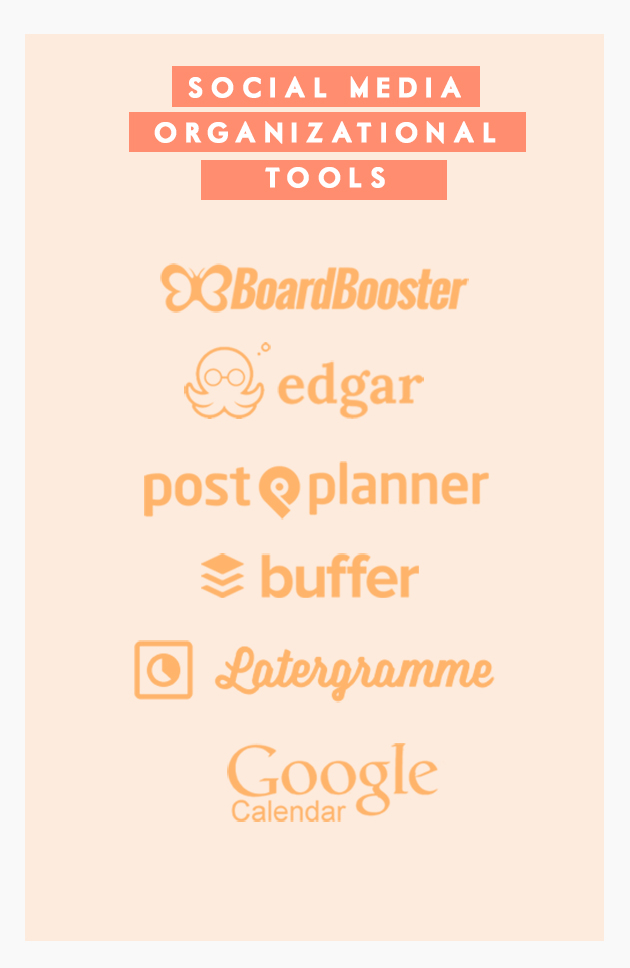
Thanks so much for the Edgar shoutout! We always love reading about how people are integrating our favorite octopus into their social media strategy. 🙂
signed up for the board booster trial! so pumped! pinterest boards on loop=all my problems solved!
Maggie Broderick
says:Thanks for this great post, Anna. We are working hard on building our online community for the nonprofit I work for, and you shared some helpful tips/apps I hadn’t heard of before. Many thanks 🙂
LOVE Melyssa and all that she does. I am definitely going to look into Edgar. I have cultivated a strong following on Instagram but can’t seem to get into Twitter (read: I can’t figure out how it works and I much prefer the pretty pictures on IG) so maybe this app will be my saving grace? Thank you for sharing these helpful tips!
XO,
Katie
Technology is sooo great. BoardBooster is definitely added to my list!
[…] for organising your social media calendar (I was clueless about half of […]
Hi Anna,
Thanks so much for including Latergramme in this beautiful post! We love getting feedback from users, especially bloggers who create a ton of content!
Best,
Stephanie Trembath | Community Manager at Latergramme
[…] of Design (that also includes Melyssa of The Nectar Collective‘s advice) on organizing an effective social media calendar awhile back… We just knew it would come in handy! Two of my favorite points are setting […]
Roxanne
says:Ooh! I love social media, but it’s so true that I often fall behind or am too busy with real life duties to post all the time. So I love social media scheduling! I currently use Buffer for Twitter and Google+, but ever since my Pinterest trial expired I’ve been manually pinning (which sucks because Pinterest requires the highest volume of posts, yeah?) I’ll probably try Edgar/Board Booster, but ughh… I can’t pay for the official subscriptions.
Oh well, working on it! Thanks for sharing 🙂
xx, Roxanne
http://www.themagicalcanopy.wordpress.com
Thank you for sharing! I had not heard of Board Booster – what a LIFE SAVER!!
These are some awesome tips. I already use most of these and they work great. I just started recently and I can’t believe I didn’t start sooner!
Julie | http://www.xfallenmoon.com
Thanks, I manage social media for a very long time now, in an organized and methodic way, but I feel the need to time manage even more and better. Thank you.
Checked out your piece. Great breakdown and certainly good for those who are just getting started.
I’m Blanca – biz dev for Socialdraft. Our dashboard actually combines a lot of the functions of these dashboards into one.
I’d love to set you up with a press account for some time so you can check it out. No strings attached, just so that if you like our dashboard you consider us for future pieces 😀
Drop me a line if you’re interested.
OMG, I think I have a blog crush. Totally dig your blog and the way you write, especially about blogging (because really, reading about blogging can be a bore sometimes). Am subscribing and looking forward to new posts.
Thanks for the blog info!
Lisa
Thanks for this list! I’m a huge fan of Buffer for Twitter (I don’t usually use it for Facebook, for whatever reason – I kind of ignore Facebook, actually). I’ve been trying to figure out a system of hanging onto social media content (posts that are somewhat ready to go and planned out) since most of these services cost a lot of money that I really don’t have right now.
Did you start using the planning services before you started to really grow your blog, or did you do it by hand for a long time, and then start to use it once you’d already started to see income? I’m curious because I’m making between $3 and $10 a month at this point, so I can’t quite tell if it would be worth it to start making the investment.
[…] leave that to the posts I refer to when I work on mine (Creating an Effect Social Media Calendar, Organizing an Effective Social Media Calendar, 11 Tips & Ideas for Filling Your Editorial Calendar). However, there are a couple of things […]
Such a great post! I had to share with my audience, as well. Organizing content calendars has been a life and time saver for me!
Thanks for sharing! Definitely going to jump on the BoardBooster bandwagon! We also love Hootsuite for Twitter. It’s simple to use and effective! Thanks again!