Photography is one thing, and iPhone photography is another ball game. I still feel like I am always learning something new, and I certainly appreciate when other artists or bloggers take the time to share tips. These are hopefully some helpful ones to keep in mind as you shoot with your phone. This would actually be […]
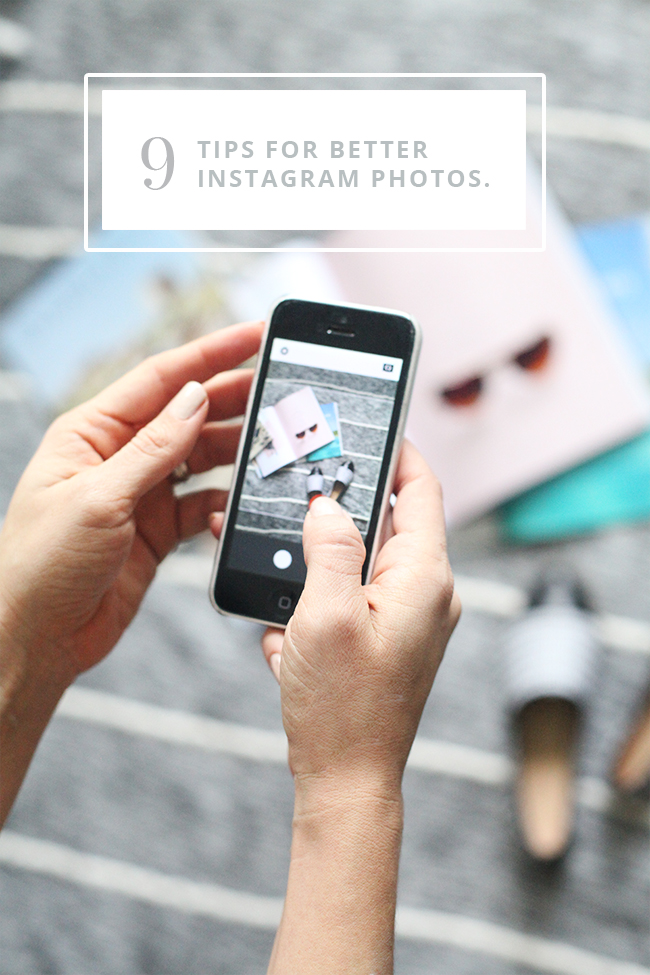
Photography is one thing, and iPhone photography is another ball game. I still feel like I am always learning something new, and I certainly appreciate when other artists or bloggers take the time to share tips. These are hopefully some helpful ones to keep in mind as you shoot with your phone. This would actually be a good prelude to this post on the instagram photo editing process. These tips for better instagram photos are to meant to be helpful whether you are running an instagram account for your business or simply trying to capture good moments of your family.
I will be sharing a few more posts on social media soon, as I prepare to launch an exciting part of The Brand Market!
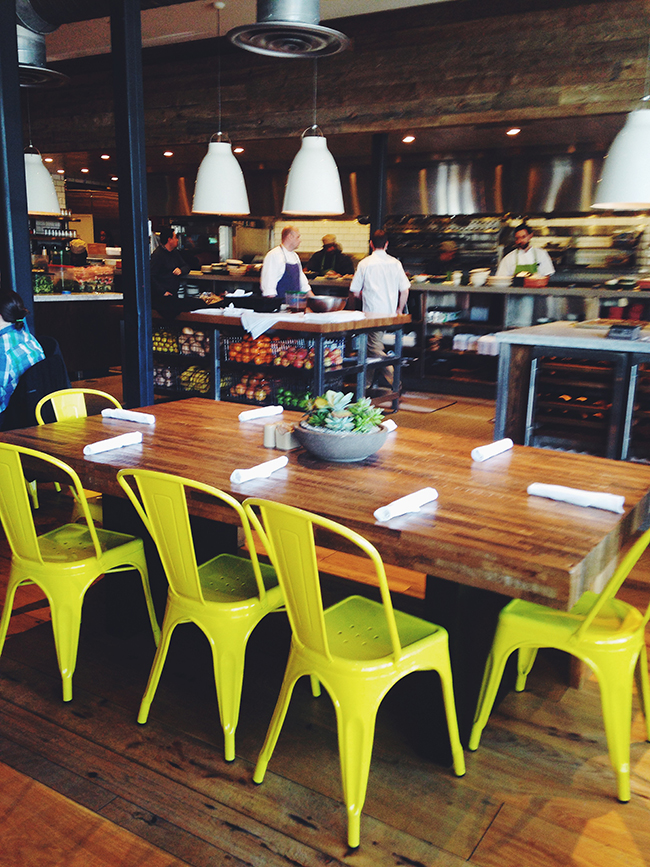
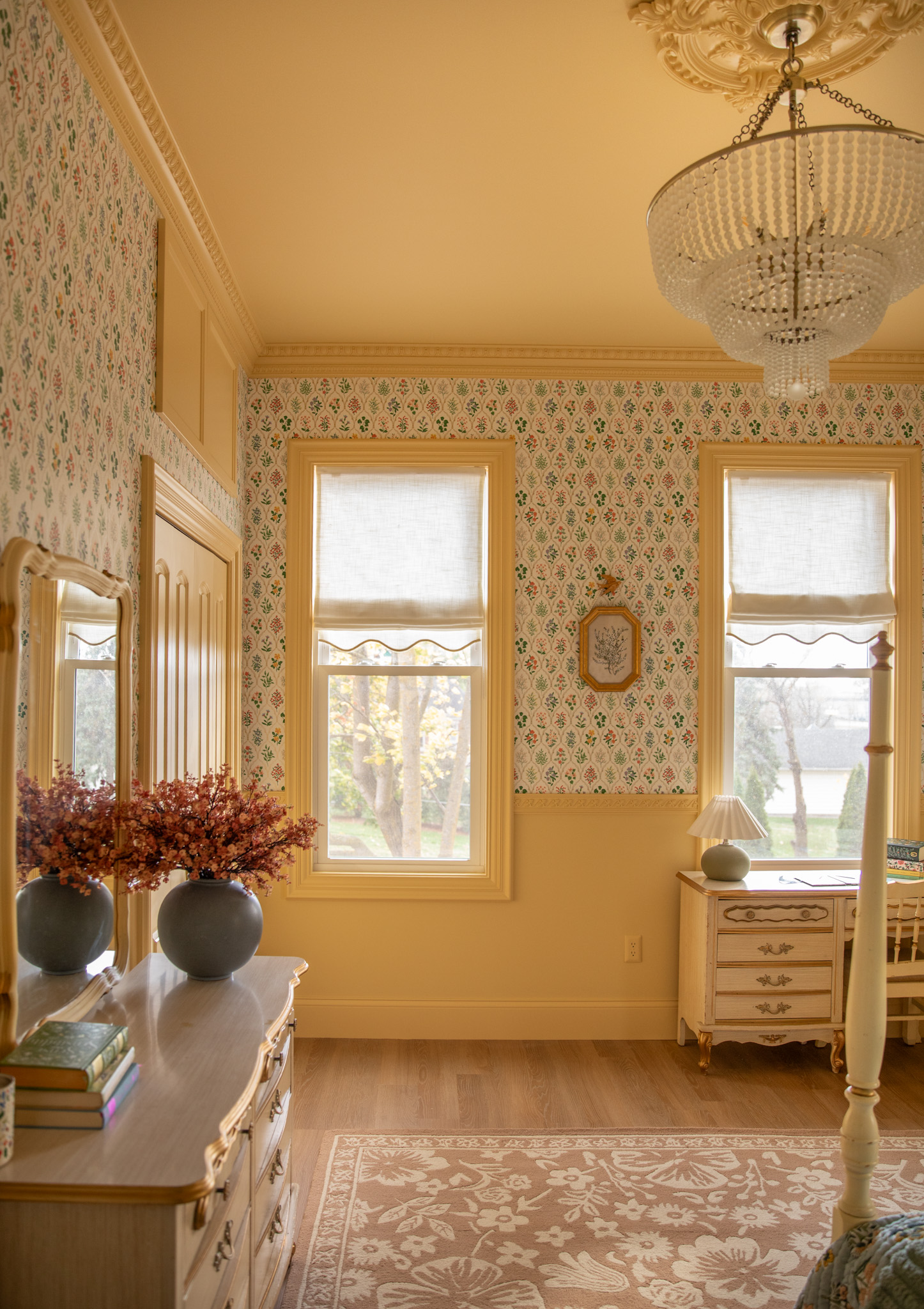
1. Find a natural light source. Probably the most important factor of a good instagram photo is natural light. No matter how good the phone camera is, without natural light you usually get a grainy or blurry photo. If you are outdoors, I usually shoot in a shaded area, and if I am indoors, I am shooting near a window or in a well lit room. We are naturally drawn to images with good light. It can reflect the mood and time of day, and translate so much more than a flash photo or poorly lit image.
2. Shoot in square mode. Some apps allow you to shoot with a square frame to help conceptualize your image as you are shooting. Since I always post in squares, I like to shoot in square mode. VSCO Cam offers a square shoot mode as well as an optional grid mode to help center and align if you are styling objects.
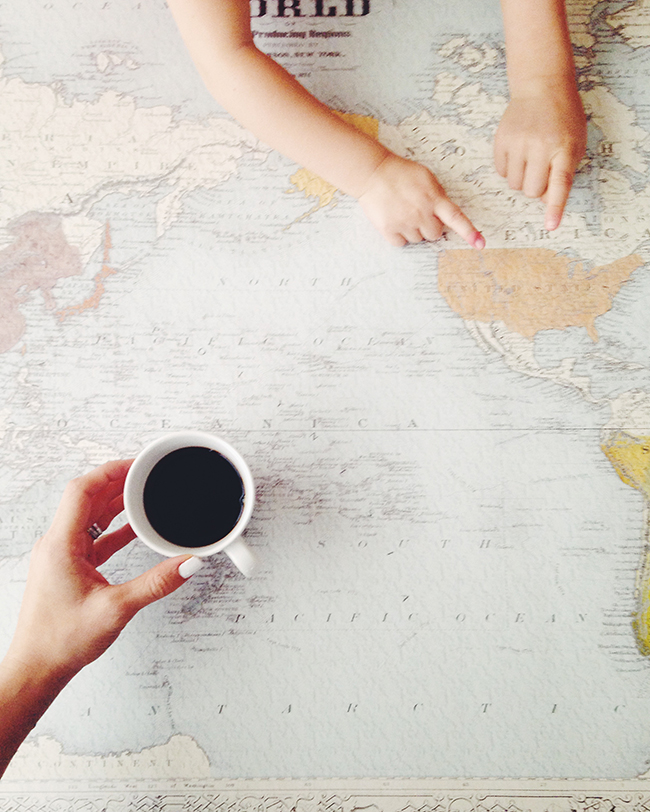
3. Try 3 angles. Aerial view, eye level, diagonal, etc. There are so many ways to make an image stand out, but it’s worth the extra minute or two to try at least a few angles. You may be surprised what you end up using. Often times, it is the last shot I take that makes the cut:)
4. Experiment with perspective. As a follow up to playing around with angles, try a change in perspective. Change it up from close up shots to atmosphere shots. The full buzz at a coffee shop vs. a coffee mug, you and your friend in the full room vs. just a close up of faces. It will surprisingly capture the moment in a very cool and memorable way!
5. Use a focus tool. I shoot in the VSCO app because the camera option has an adjustable focus and exposure tool integrated in the app that you can tap to adjust as you shoot. It is extremely helpful to making sure your photo doesn’t blur.
6. Choose your background wisely. When I was in design school, we were often reminded of the importance of negative and positive space either supporting, complimenting, or contrasting in an interesting way. Basically, you don’t want your background to take away from the subject of your photo but to either enhance or contribute to it. This will apply differently depending if you have a lifestyle, product, fashion, or personal based stream (and heck who cares if you are just snapping a pic of your friends!). If you are working on a more integrated instagram stream however, your background can be a strong asset to the outcome of your image.
7. Declutter. Eliminate distractions from your photos. I think less is more effective when it comes to instagram. However, everyone has their own style, and often times, you would rather take the candid shot than take the time to declutter!
8. Travel Lens. If you feel like leaving your nice camera behind, try an Olloclip for iPhones that offers 4 in 1 angle options, and makes it easy to snap sharp photos on the go.
Great tips, which reminds me that I need to spend time creating content for Instagram too. I’ve never shot with VSCOcam before, but I do love it for editing!
Hi!
This is my first time to visit your blog, and I love it! I followed you!
I mainly come by and say hi. I am a new blogger so browsing around blogs and blogs, I am trying to build up my blog.
I found that the blogging sociality is very sweet, all blogger give very good advice and respect each other!
Thanks so much for the instagram advices!
Your blogs design is so beautiful, and I really like you did reply everyone who give you a comment.
If you like my blog, pls let me know 🙂
Have a good day xxx
Oh, it is perfect! That is the reason why I love Instagram. Visual harmony, it is some kind of art! But I need followers to enjoy my own posts. I have understood that people follows you when you follow and like them. And what if that process will go on without me? So I used google.com to help. There is many programs to do that. I notice one personally for me, it was zen-promo.com .Why? Just because it has city-based search! Guys from my neighborhood watch my photos, it is really cool for me.







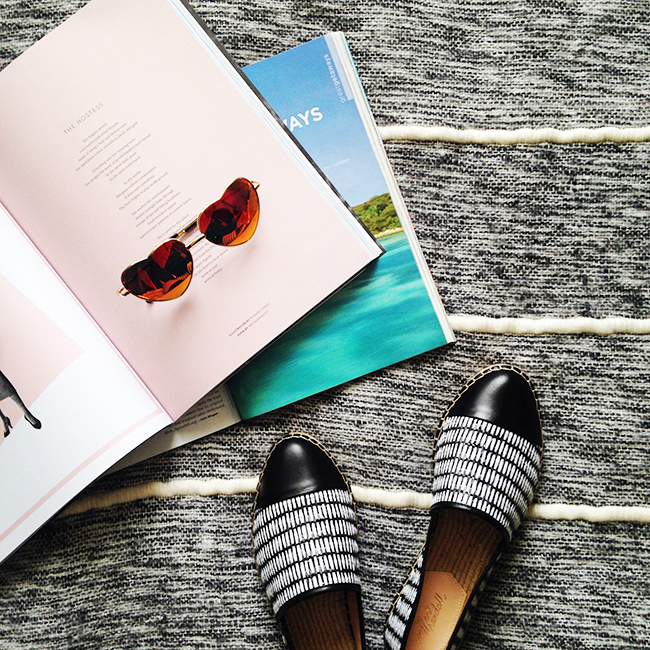

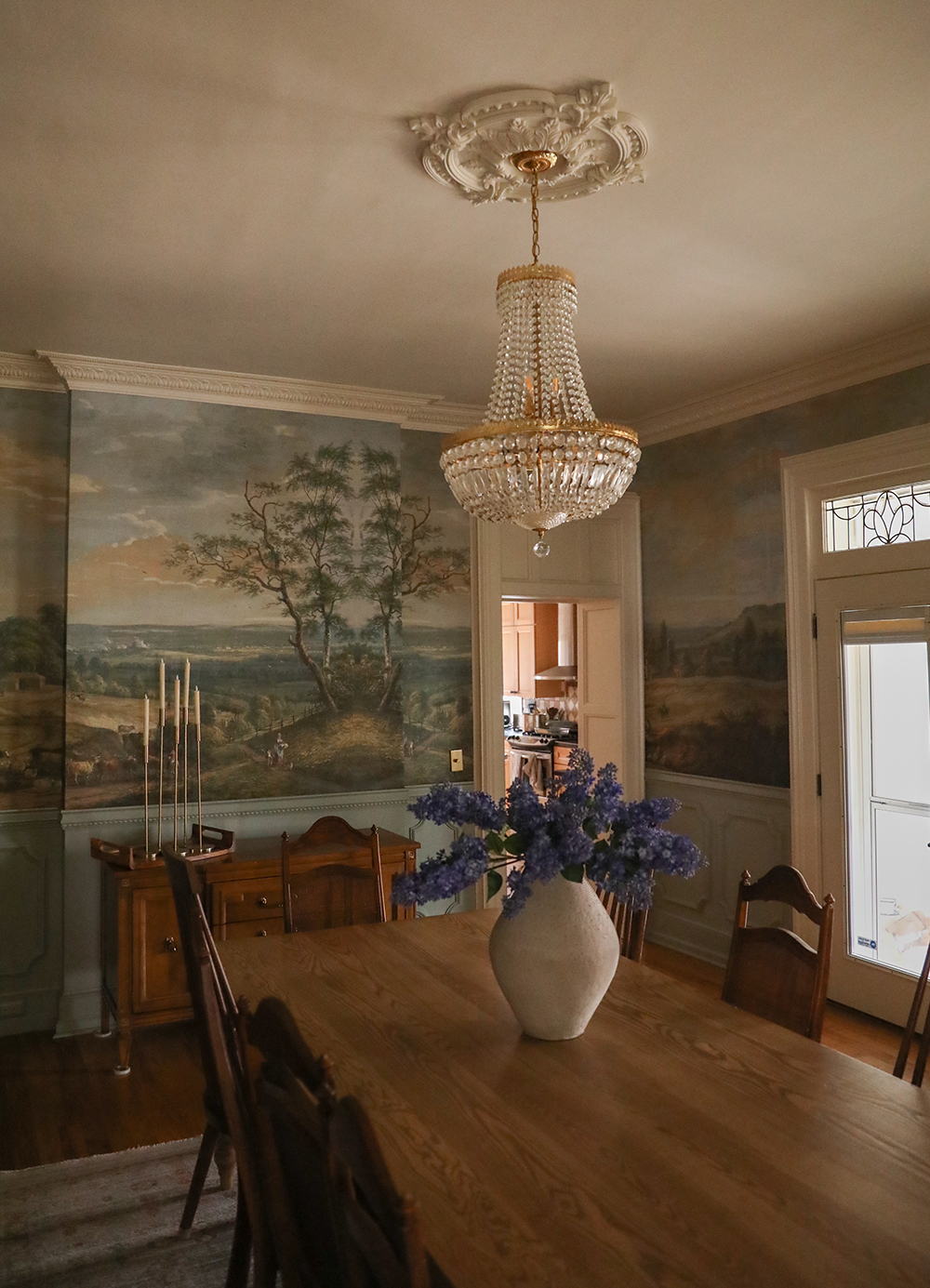
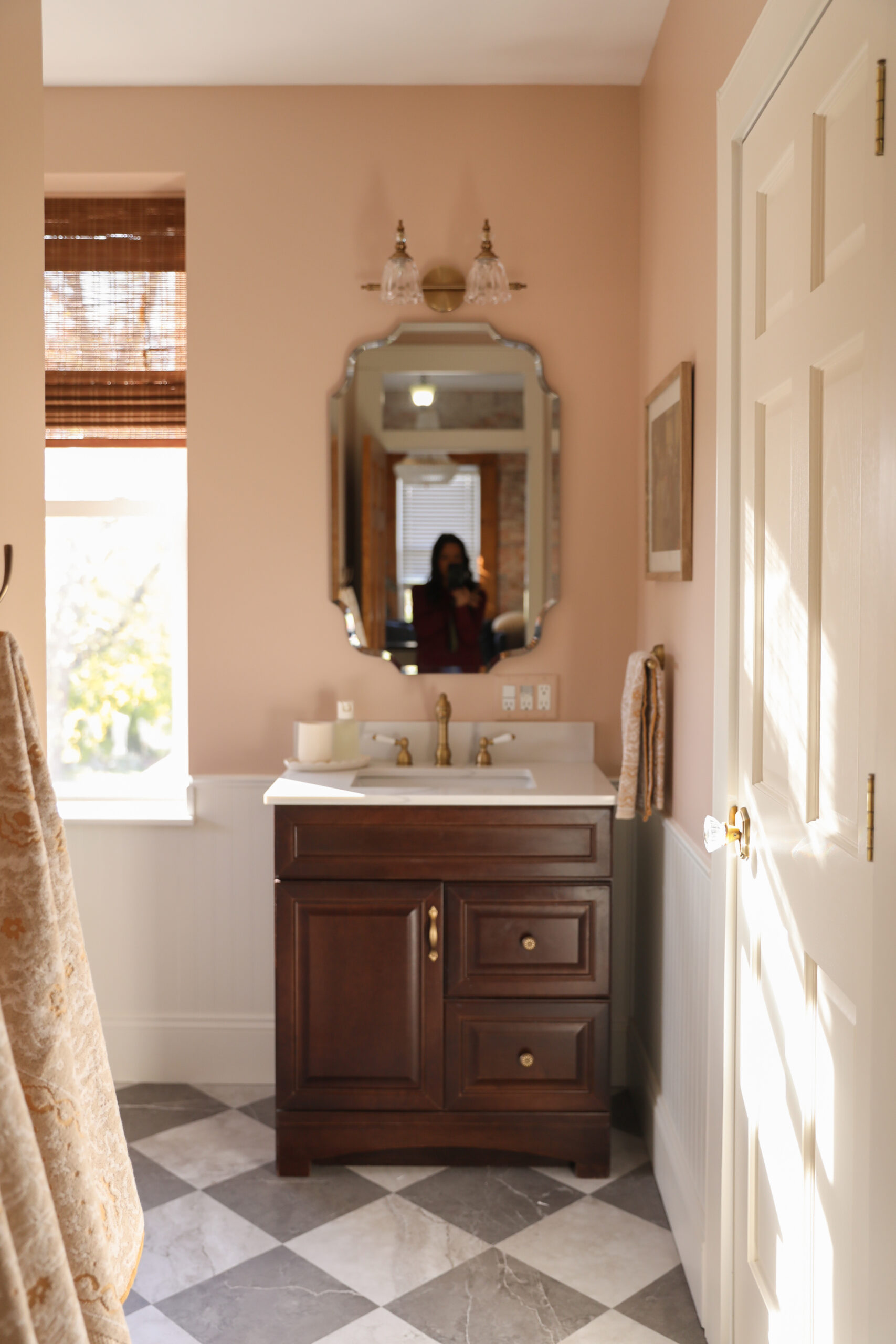


It took me forever to realize that if I shot in square mode, I could actually post my whole picture to insta.
I’m so glad you shared this! Your Instagram photos are always so beautiful! 🙂
Brilliant article, Anna. Probably the best I’ve read on Instagram styling.
Loving this techy series Anna.
Buckets & Spades
[…] 9 Tips for better instagram photos […]
[…] 9 Tips for Better Instagram Photos. Some really great tips to follow. […]
[…] great tips for creating better instagram photo’s. […]
Great tips, which reminds me that I need to spend time creating content for Instagram too. I’ve never shot with VSCOcam before, but I do love it for editing!
Really love your tips. Great insight. Have read other pieces but yours really stands out as tips that work & will help enhance my photos.
Love this post! And have been wondering about those iPhone camera clips. May have to try one out!
xo Jessica
http://www.mystylevita.com
Perfect post! I’ve already used couple of your tips and they work!
[…] • 9 tips for better Instagram photos! […]
[…] ni tips til betre instagrambilder. […]
[…] 9 tips for better Instagram photos. […]
[…] of the week: Looking for some Instagram tips? You’ll be on your way to more likes in no […]
[…] How to take better Instagram photos. […]
Hi!
This is my first time to visit your blog, and I love it! I followed you!
I mainly come by and say hi. I am a new blogger so browsing around blogs and blogs, I am trying to build up my blog.
I found that the blogging sociality is very sweet, all blogger give very good advice and respect each other!
Thanks so much for the instagram advices!
Your blogs design is so beautiful, and I really like you did reply everyone who give you a comment.
If you like my blog, pls let me know 🙂
Have a good day xxx
[…] I love these 9 tips for better Instagram photos from Anna of In Honor of Design. So many good points on perspective and […]
Thanks for the tips! I especially liked the one about using VSCO and taking the time to take the shot in at least 3 angles.
[…] 9 tips for better Instagram photos >>> […]
Leonard
says:Oh, it is perfect! That is the reason why I love Instagram. Visual harmony, it is some kind of art! But I need followers to enjoy my own posts. I have understood that people follows you when you follow and like them. And what if that process will go on without me? So I used google.com to help. There is many programs to do that. I notice one personally for me, it was zen-promo.com .Why? Just because it has city-based search! Guys from my neighborhood watch my photos, it is really cool for me.