


Browse by Room
{Photo by Kathryn McCrary} One of my goals this year is to share more helpful content to you all. I usually give a small walk through on creating strong instagram content and photos during The Brand Market workshops, because it is one of the most common questions I receive! {Before and Afters using VSCO Cam} […]
How to create strong and clear photos for Instagram.
Renovation Updates

Home DIYs

How to create strong and clear photos for Instagram.
Browse by Room

How to create strong and clear photos for Instagram.

Family Resources


How to create strong and clear photos for Instagram.
How to create strong and clear photos for Instagram.
Recipes

Design Resources


How to create strong and clear photos for Instagram.
How to create strong and clear photos for Instagram.

Shop with IHOD


How to create strong and clear photos for Instagram.
How to create strong and clear photos for Instagram.




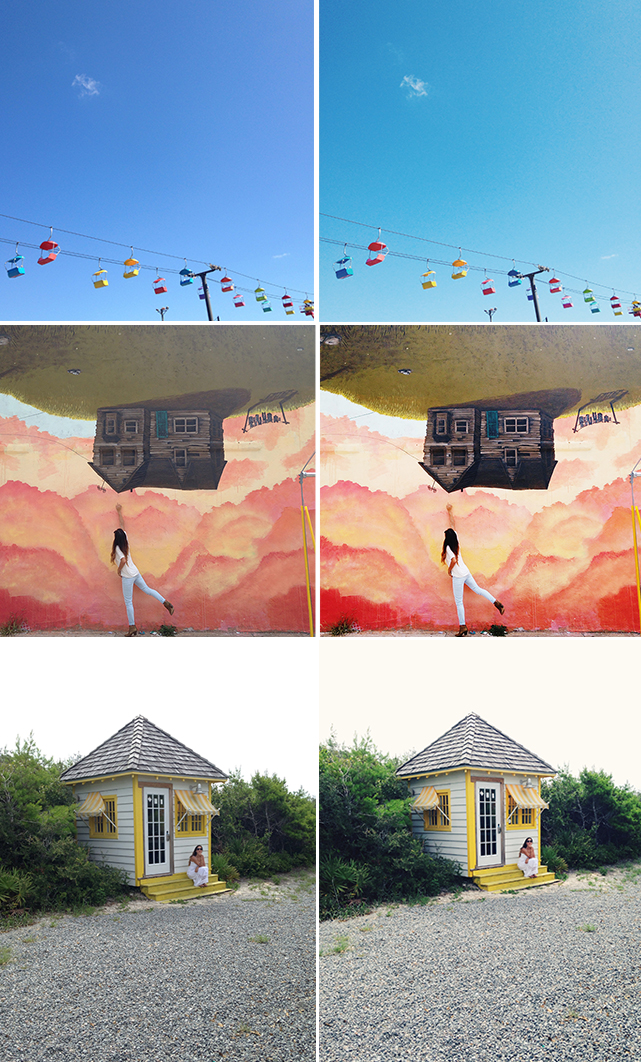 {Before and Afters using VSCO Cam}
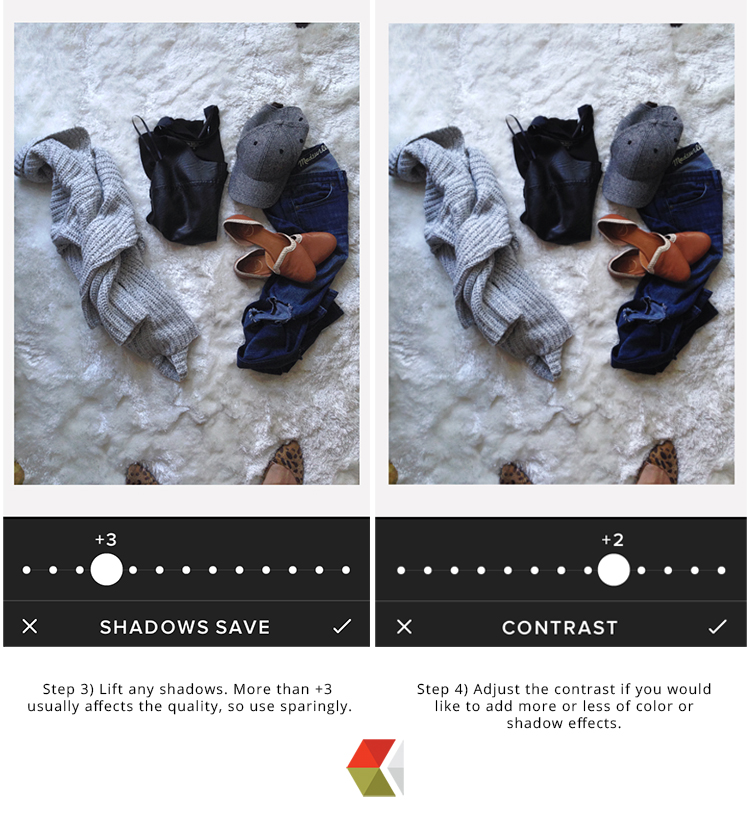
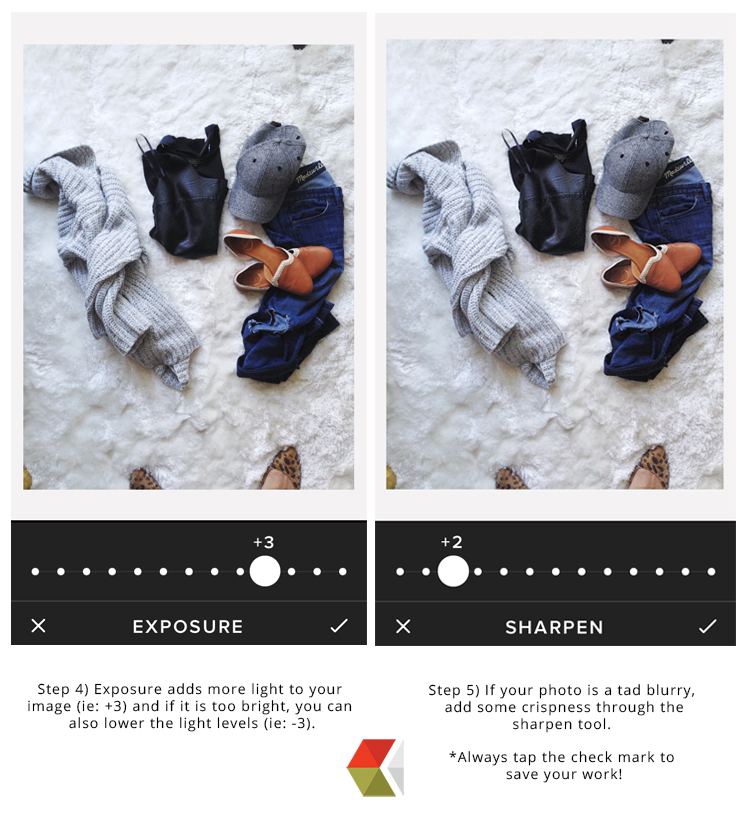
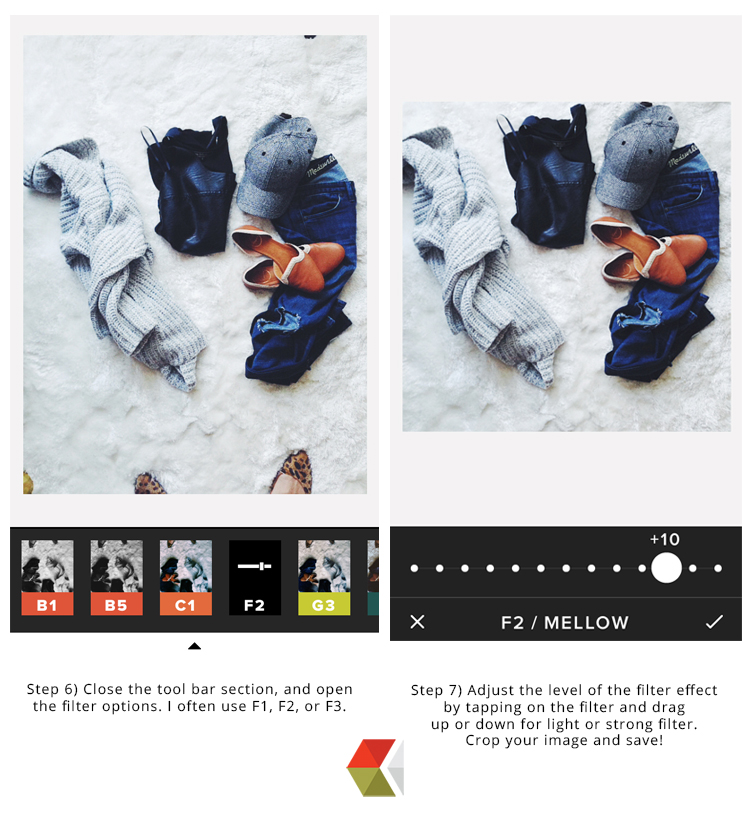
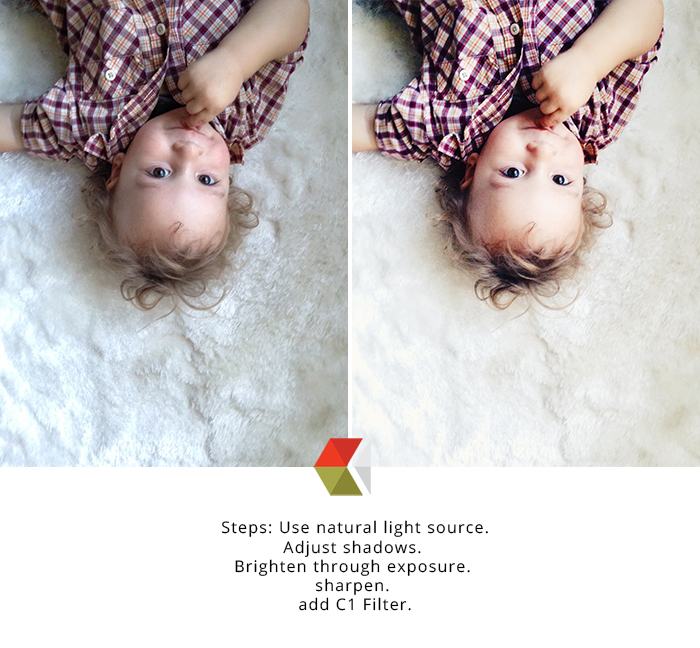
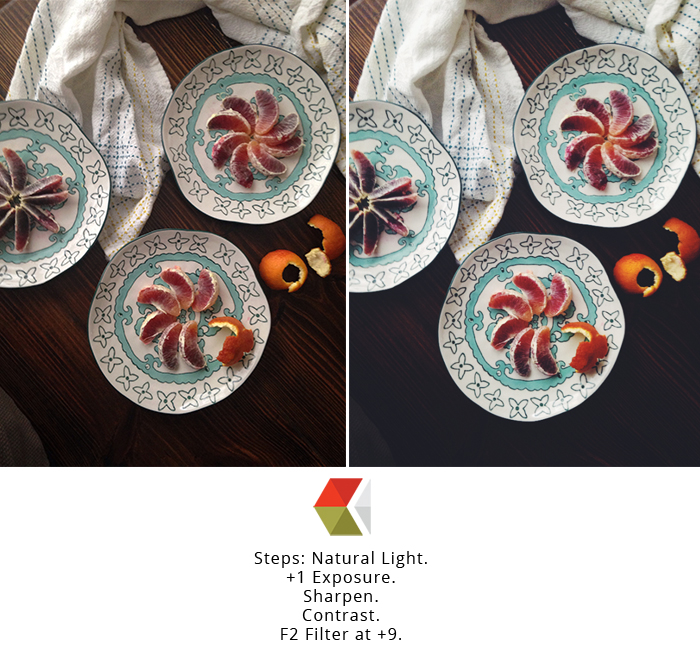


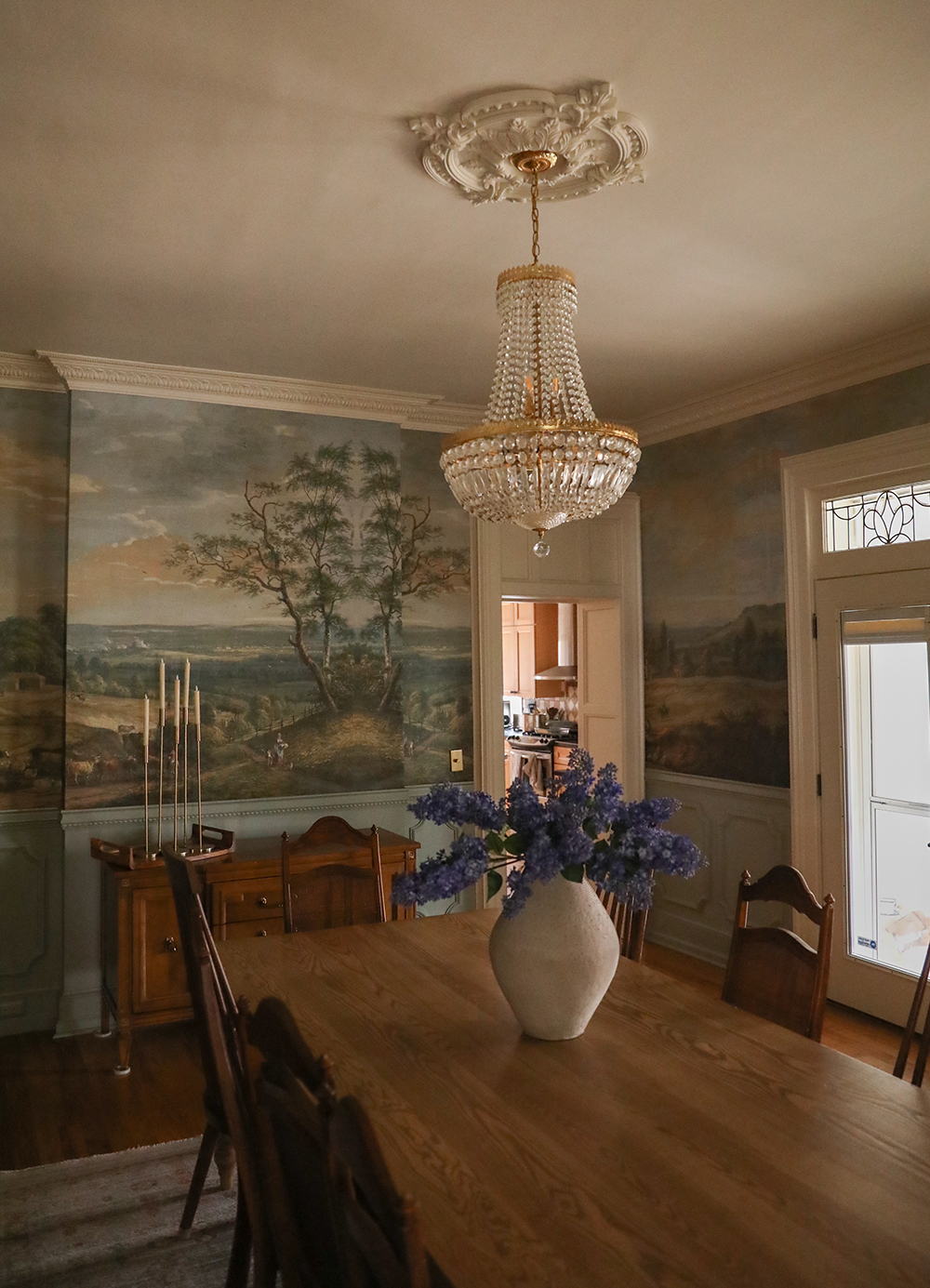
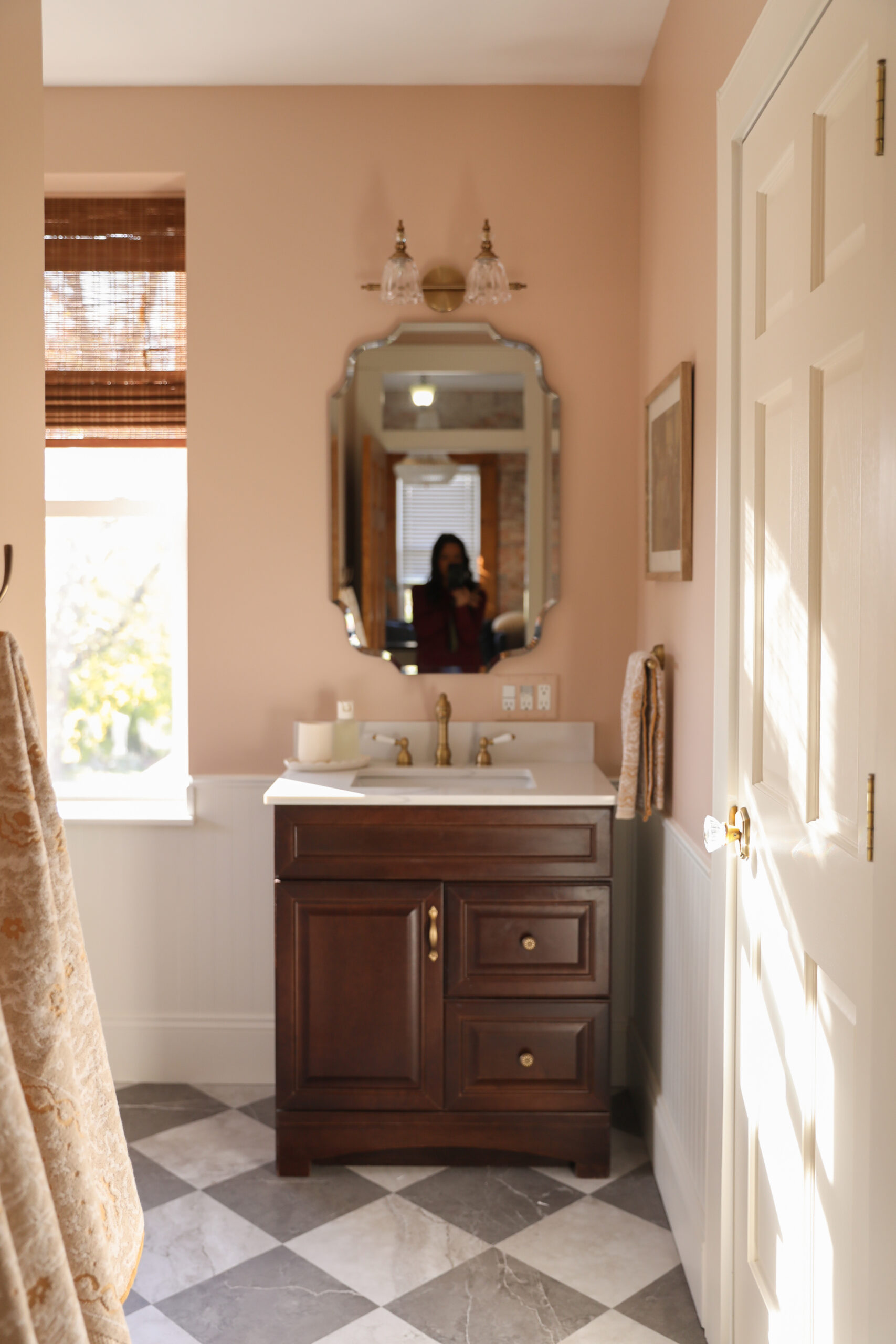

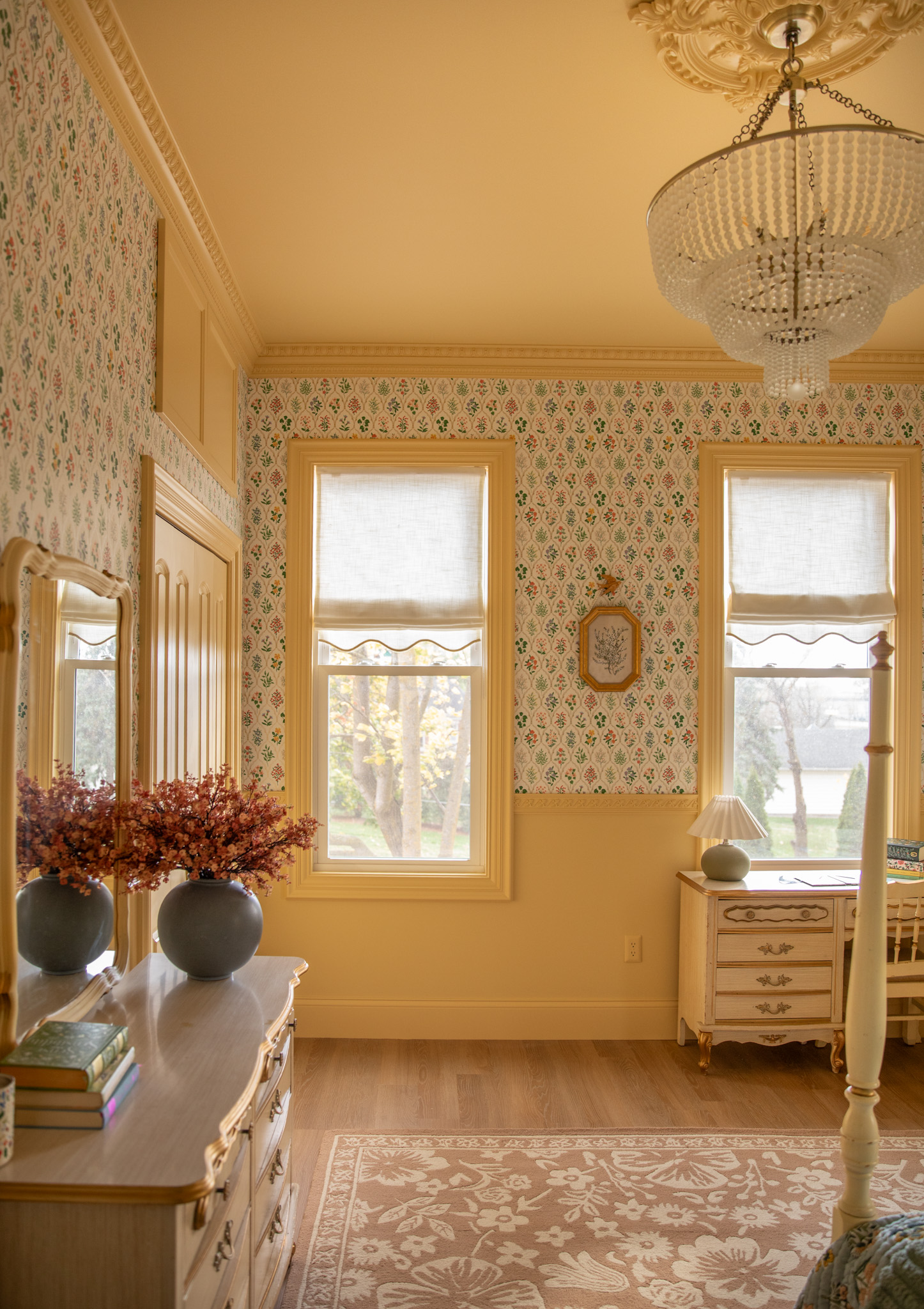



I LOVE VSCO. 🙂 Another way I have clear photos on my Instagram is taking photos with my Canon G16 and putting them on my phone. The Canon G16 uses WiFi for your camera to talk to your phone, so it really improves the quality of photos. It’s nice to see your photos transform. Great tutorial!
Christina
http://www.cityloveee.blogspot.com
Great tips, Ana! I now have the Samsung Galaxy S4 and definitely need to play around more and maybe download another app or two to see which ones are the best out there.
Love VSCO! Your photos are always gorgeous 🙂 It’s fun to see the before & afters though – simple changes can make a big impact.
it’s so easy to get carried away with vsco sometimes because there’s just SO much to play with! thanks for narrowing it down, super helpful 🙂
Love this walk-through! It’s always fun to see the transformation. I switch off using Afterlight and VSCO and I love them both – it’s hard to choose between the two!
this is incredibly helpful — thank you!
I definetly need to take better pictures and learn how to edit them for Instagram! Love all the tips
thank you
happymedley.blogspot.com
This was so helpful! Your photos turn out beautifully!
Mandy
mandydacandy
Anna, I love your Insta feed! Thank you for sharing these tips. Of course, I think having such a gorgeous family helps too! 😉 xo
Since I discovered Vsco, it became my favorite image editor for phones. It’s just really great! Post-editing a photo makes ALL the difference in the world. 🙂
Of course, your photos are always great. And this was such a great (and so useful!) post.
I love applying vsco on my photos as a casual instagram user. It is simple but very effective. Now on I will be more handy with this app. Thanks for the post.
http://www.deeepinpeace.com
VSCO is amazing! I love your insta-feed too. It’s really inspiring!
I’ve been trying to take more and better photos of things around me recently, and the VSCO app is pretty much my best friend now. (:
this is so great, anna! thanks for putting together 🙂 vscocam is my favorite too!
VSCO is great, and it was so helpful to have you walk us through the steps. The app can be a little overwhelming with all of the options! I also like Afterlight for photo editing (contrast, exposure, etc.), Pixlr or Diptic for collaging, and Studio Design for adding (really nice) text.
I have the app & totally forget to edit in the app then send to Instagram. Do you believe it has better filter options. One thing I learned is angles matter too. Sometimes straight forward photos are great and other times I need to try different perspective of how I take the shot.
[…] This week has been all about social media, from putting together a list of must-have apps for bloggers to working on how to improve Instagram photos. […]
[…] Good Instagram tips! […]
[…] my effort to take better photos, VSCO Cam is my new bestest buddy. I’m so glad they have an app for Androids […]
[…] How to Create Strong & Clear Photographs for Instagram: this tutorial is lengthy, but it is a must read! […]
Thank you for sharing! I use this app too -just wasn’t using it to it’s fullest potential! Thanks for “opening my eyes”. Your creativity is so inspiring! You make the whole blogging thing look easy -but I know (just from the short time I blogg (cancer got in the way three times and I just haven’t had the motivation to start back-it’s LOTS of time & work! I really appreciate your honesty, generosity (like sharing photo tips) and kindness (always staying positive)! Much success Anna!
This was thorough! Some very handy tips here.
Buckets & Spades
[…] is key. Want to boost your Instagram following & up your feed’s game? Try these Instagram tips. Or get crafty with this DIY marble […]
In this circumstance, some protecting cups that will prohibit pollution in-the-air are essential.
Or some people could have numerous frames in numerous styles
and designs for unique functions.
Hey hun! Awesome blog! I’ve been desperately trying to read up on ways to edit instagram photos on pinterest & your blog popped up 😉 how did you edit the photo of you sitting infront of the hut? what filter did you use? is it the same way you edited the other photos? Thanks!
Thanks for the lovely tips 🙂 u’re really inspiring ..
Menierva
says:Hello! I love all your pictures! It really looks so aesthetic. I am using Samsung Galaxy S7 and VSCOCam, also using the pictures taken from my DSLR yet whenever I post the edited pictures in Instagram, the quality changes. I don’t know what to do? My instagram is @ervalynn.
JAne
says:Thank you!! I am curious about how you stage your photos? I constantly find myself witnessing beauteous moments but I can’t seem to get them on a camera… particularly with food! What angle? What to include?