I’ve never wanted the tv to be a focal point of the home, and so we always put it to the side on a console. We had the same small tv for ten years, and after living in the new house, we were stuck with the problem of not having a space for one other […]
How to add your own art or photos to the Samsung Frame TV
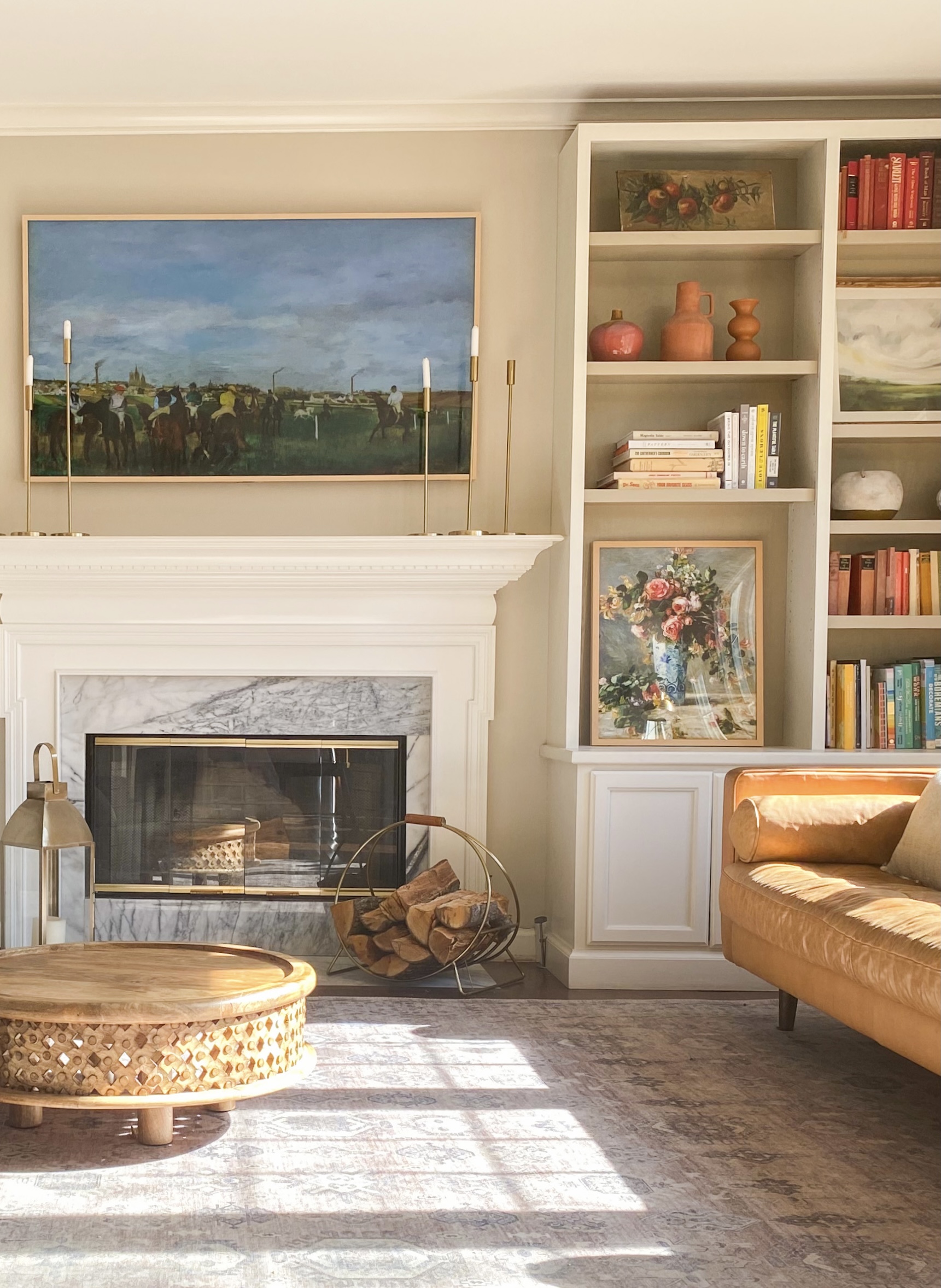
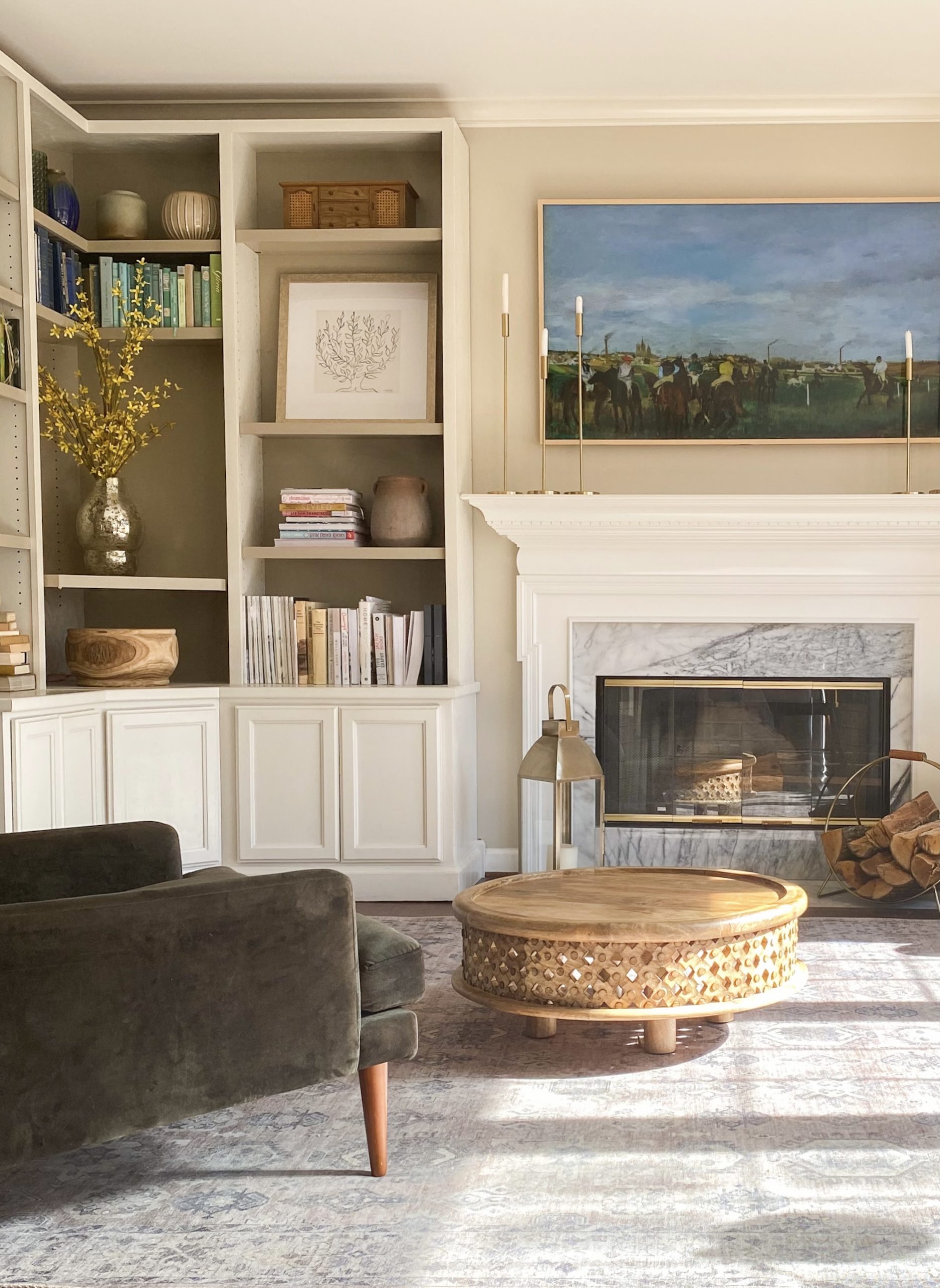
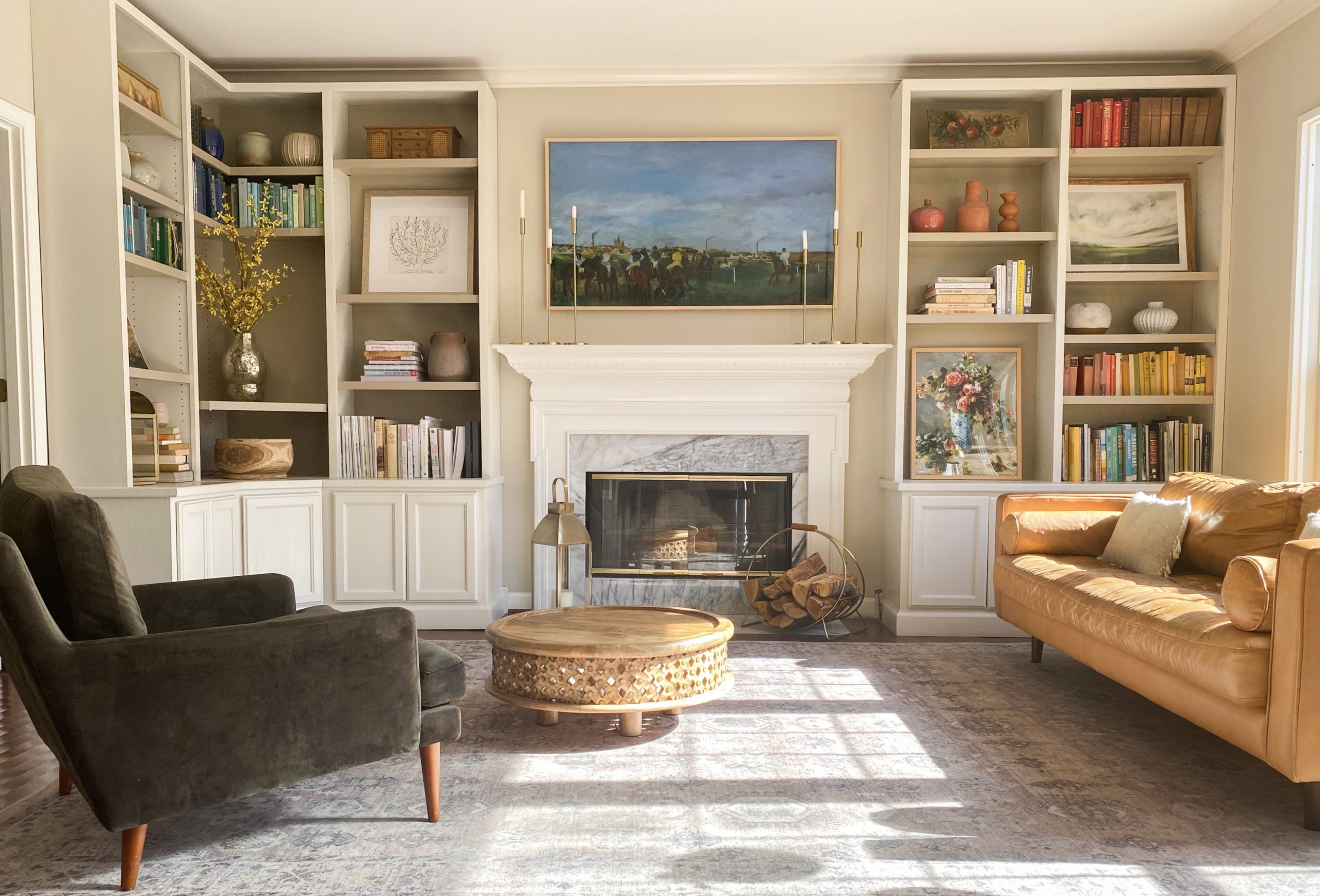
I’ve never wanted the tv to be a focal point of the home, and so we always put it to the side on a console. We had the same small tv for ten years, and after living in the new house, we were stuck with the problem of not having a space for one other than above the fireplace. I really just wanted to put a large art there, and so when Amazon Prime Day had a Samsung Frame TV offer, we finally bit the bullet! I love it so much, because it looks like a real work of art that you can change up whenever you like, and then switch to tv mode for family movies.
How to add your own art or photos to the Samsung Frame TV:
Download Samsung’s free SmartThing App and connect it to your TV
Within the app, select Art Mode.
Add your art downloads or photos sized for the Frame TV. (We offer several FrameTV art downloads in our shop Maris Home.)
There are options for mats, but I think the no mat option looks the most like authentic art. Select Set.
Adjust brightness on the FrameTV’s settings to lower the glare.
We have the 65 in. size for reference. It came with a wall install kit for the floating art look, but it also comes with two standing feet to set on top of a mantle or console. We also ordered the click on frame in beige which was super easy to click onto the tv. The tv detects movement and light so the art stays on all day and powers off at night!
Recognize a lot of these items from different rooms in our old home? Trying to work with what we have:) Let us know if you have any questions on this, and we are happy to answer below!
We send out helpful tips and resources, and inside news just for our email fam.
Hi there! My husband & I recently bought a frame TV on sale as well, and are trying to decide where to install it in our home. Our main hurdle is hiding the wires & the “one connect” box that are connected to the TV. What was y’all’s process for hiding the wire & bulky box?!
Hi Kait, I pulled some wire through the wall and stashed it in the left side cabinet. As long as you don’t have a stud to pass through, pulling wire is generally fairly straight forward. Shoot me a DM @gabeliesemeyer if you want me to walk you through the process. I would love to try and guide you through.
Hello!
We recently purchased the frame tv and love it, but it always does seem to have a glow to it. Any suggestions for settings on how to make it look more like a painting and less like the tv is stuck on a still image?
Thanks so much,
Kim
I believe it’s on page 17 of the user manual. Brightness – use the directional buttons on remote control to move to “Modify” at the top & the press the Select button.
Next screen adjust picture brightness to desired setting & Select button on remote control.
NB: Matt style & colour can be changed
1. Navigate to work of art & press UP one remote
2. Select MATTE
3. Select matte you like using Left & Right in the directional pad
4. After selecting matte style, can select colour using directional pad on remote
5. Press Select on remote to save changes
It quit working for IPhone. The reps at Samsung and smart things said the new Apple update prevented the photo download. They said they have engineers working on it. That was 3 months ago and it still doesn’t work! They are saying a quick fix is to buy an android phone!
My one question is about the own pictures through the Smartthings app. I read somewhere that publishing pictures on the tv costs you money every month. Is publishing your own pictures through this app free?












Kait Saunders
says:Hi there! My husband & I recently bought a frame TV on sale as well, and are trying to decide where to install it in our home. Our main hurdle is hiding the wires & the “one connect” box that are connected to the TV. What was y’all’s process for hiding the wire & bulky box?!
Thanks!!
Kait
Gabe
says:Hi Kait, I pulled some wire through the wall and stashed it in the left side cabinet. As long as you don’t have a stud to pass through, pulling wire is generally fairly straight forward. Shoot me a DM @gabeliesemeyer if you want me to walk you through the process. I would love to try and guide you through.
Kim mitchell
says:Hello!
We recently purchased the frame tv and love it, but it always does seem to have a glow to it. Any suggestions for settings on how to make it look more like a painting and less like the tv is stuck on a still image?
Thanks so much,
Kim
Emma
says:I’m having the same issue. Would love the advise as well! Thank you!
Cheryl
says:I believe it’s on page 17 of the user manual. Brightness – use the directional buttons on remote control to move to “Modify” at the top & the press the Select button.
Next screen adjust picture brightness to desired setting & Select button on remote control.
NB: Matt style & colour can be changed
1. Navigate to work of art & press UP one remote
2. Select MATTE
3. Select matte you like using Left & Right in the directional pad
4. After selecting matte style, can select colour using directional pad on remote
5. Press Select on remote to save changes
I hope this helps you Kim & Emma
Marvin8
says:Does The Frame only take downloads from a Samsung phone? Can I choose an image file from my computer?
Mary Hendrickson
says:It quit working for IPhone. The reps at Samsung and smart things said the new Apple update prevented the photo download. They said they have engineers working on it. That was 3 months ago and it still doesn’t work! They are saying a quick fix is to buy an android phone!
Jaap
says:My one question is about the own pictures through the Smartthings app. I read somewhere that publishing pictures on the tv costs you money every month. Is publishing your own pictures through this app free?
Debbie
says:I purchased some art from that link but it doesn’t seem to give me the option of no matte once I put it in smart things. Any tips?
Daniel Remenyi
says:I have the same problem. Would love some help too
This is a great idea! I love adding my own art or photos to my TV screens.
thank you for the article
Nina
says:What paint color did you use on your walls? It’s great. Also, did you purchase those bookshelves or were they custom?
Thanks
Anna
says:You did a beautiful job with this space! I have to know!- Is this an electric fireplace with marble surround? If so do you mind sharing source for?